



















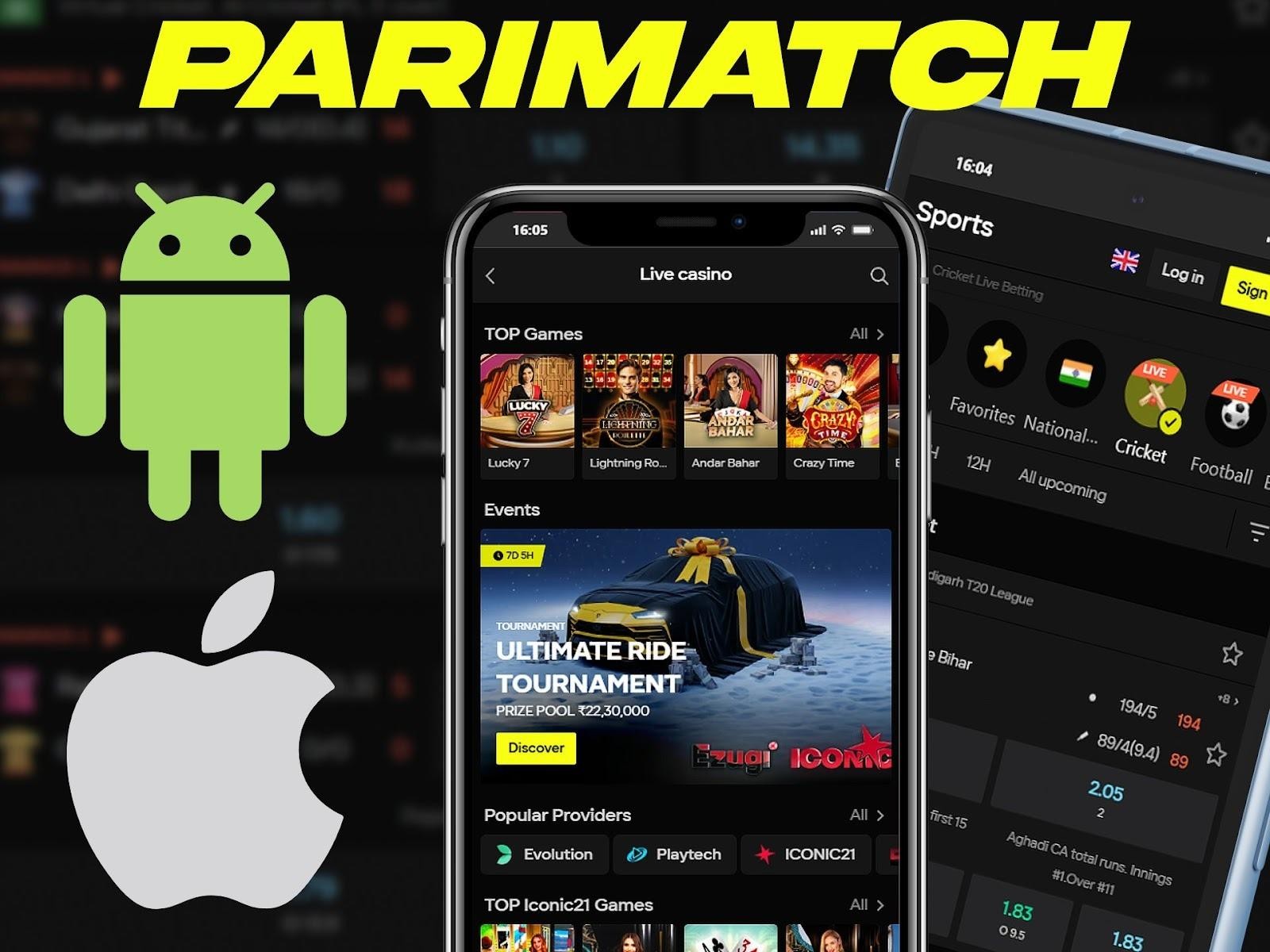
Mobile betting is very popular in India. Many users prefer phones instead of desktop sites. Parimatch offers a simple mobile solution for this need. Android users get a full app. iOS users use a PWA version. Both options work fast and stable. This guide explains how to download Parimatch app and use it in India. It focuses solely on installation, access, and basic usage. All steps are realistic and correspond to the screens shown above.
Parimatch Mobile Betting in India Overview
Parimatch supports mobile betting for Indian users. The service works well on common devices in India. Many users place bets on cricket, football, and tennis using phones. Mobile access helps users stay active at any time. There are two different mobile options:
- Android uses a separate app file;
- iOS uses a web app added to the home screen.
Both options give access to the same betting features. The layout is simple. Buttons are clear. Pages load fast on mobile networks in India. Before you start, make sure:
- Your phone has stable internet;
- You use an updated browser;
- You visit the official Parimatch India site.
These points help avoid errors during setup.
How to Install Parimatch App on Android?
Android users install Parimatch as a separate app. The file does not come from Google Play. This is normal for betting apps in India. The process is safe if you follow the official steps. Below is a clear step-by-step guide based on the screen shown above. First, open the Parimatch India website on your Android phone. Find the button “Download for Android”. After that, follow these steps:
- Tap “Download for Android”;
- Press “OK” in the pop-up window;
- Wait until the file downloads;
- Tap “Open” when the download ends;
- Press the “Install” button;
- Open the app after install.
During install, Android may ask for permission. This is a standard system request. Allow install from this source to continue. Once installed, the Parimatch app icon appears on your home screen. The app opens in full screen mode. Navigation is simple. The top menu gives fast access to sports and live events. The Android app works well on common brands in India. This includes Samsung, Xiaomi, Realme, and Vivo devices.
How to Install Parimatch on iOS Using PWA?
Parimatch does not use a classic iOS app. Instead, it uses a PWA version. PWA means a web app added to the home screen. It works like an app but uses Safari. This option follows Apple rules. It is stable and easy to set up. First, open the Parimatch India website in Safari. Other browsers do not support this method. Then follow these steps:
- Open the site in Safari;
- Tap the “Share” icon at the bottom;
- Choose “Add to Home Screen”;
- Tap “Finish”.
After this, a Parimatch icon appears on your iPhone screen. You open it like a normal app. It launches in a separate window without browser bars. The PWA version supports live betting and pre-match betting. The layout matches the Android app. Buttons stay large and clear for touch use. This method works on iPhone and iPad. It supports recent iOS versions used in India.
Using Parimatch App for Mobile Betting
After install, both Android and iOS versions work in a similar way. The design focuses on quick actions and clear navigation. This helps users place bets without delay. Below is what users see and do after opening the app. First, the home screen shows the main sports. Cricket appears at the top for Indian users. Live events show with clear icons and timers. Main actions include:
- Open sports list;
- Switch between live and pre-match;
- View event details;
- Add selections to bet slip.
Before using full features, users log in or create an account. The process uses a phone number or email. Verification is quick. The app adapts to screen size. It works well on small and large phones. Text stays readable. Buttons stay easy to tap. Internet speed in India can change. The app handles slow networks well. Pages load step by step instead of all at once.
Differences Between Android App and iOS PWA
Parimatch offers two mobile formats. The choice depends on your device. Android uses a classic app. iOS uses a PWA added to the home screen. The table below shows the main differences.
| Feature | Android App | iOS PWA |
| Installation type | App file install | Add to Home Screen |
| Browser needed | No | Yes, Safari only |
| App store use | Not required | Not required |
| Updates | Manual via site | Automatic |
| App icon on screen | Yes | Yes |
| Live betting support | Yes | Yes |
| Pre-match betting | Yes | Yes |
| Work speed | Fast after install | Fast in browser mode |
Common Tips for Mobile Betting on Parimatch
Mobile betting works best with small habits. These tips help avoid errors during use. Before betting, check these points:
- Stable internet connection;
- Correct time zone on phone;
- Updated browser or system.
During live betting, odds change fast. Refresh pages when needed. Use Wi-Fi if mobile data is weak. Do not install apps from unknown sources. Always use the official Parimatch India site.
Conclusion
Parimatch offers a clear mobile betting solution for users in India. Android users install a full app. iOS users add a PWA to the home screen. Both options work fast and stable. The setup process is simple. Instructions match real screens. No extra steps are needed. After install, users get full mobile access to betting features. Mobile betting helps users stay active anywhere. With the right setup, Parimatch works well on modern phones in India.