



















Let us take a guess! One of the primary reasons why you ended up on this article is that you heard someone literally raving about how Google’s newly launched Nano Banana 2 AI tool, or Nano Banana Pro, is exceptional at creating images and videos, and you wanted to give it a try as well. But what if you need to remove watermarks from images or videos generated by Nano banana 2?
Well, then, lucky for you, you have landed on the right page. Nano Banana is one of Google’s most prized developments and comes with a set of exceptional features. However, If you want to learn how to remove watermarks from images or videos generated by Nano banana 2, we suggest you keep reading this article below.
What is Nano Banana 2?
If you haven’t heard much about Nano Banana 2 before, let us give you some insight first. Nano Banana is one of Google’s latest AI image generation tools, which is available within the Gemini interface. The service is built on the Gemini 3 family, ultimately giving Nano Bana a stronger foundation for prompt understanding and multi-step instructions. The service is one of Google’s best launches and comes with a whole lot of benefits, something you should definitely look into.
Top 3 Watermark Remover Tools For Nano Banana 2
While Nano Banana 2 is an excellent way to generate any image or video, there are chances it might not be the one for you. Well, if that is the case for you and you are in search of another great alternative, then worry not because we have that covered for you as well.
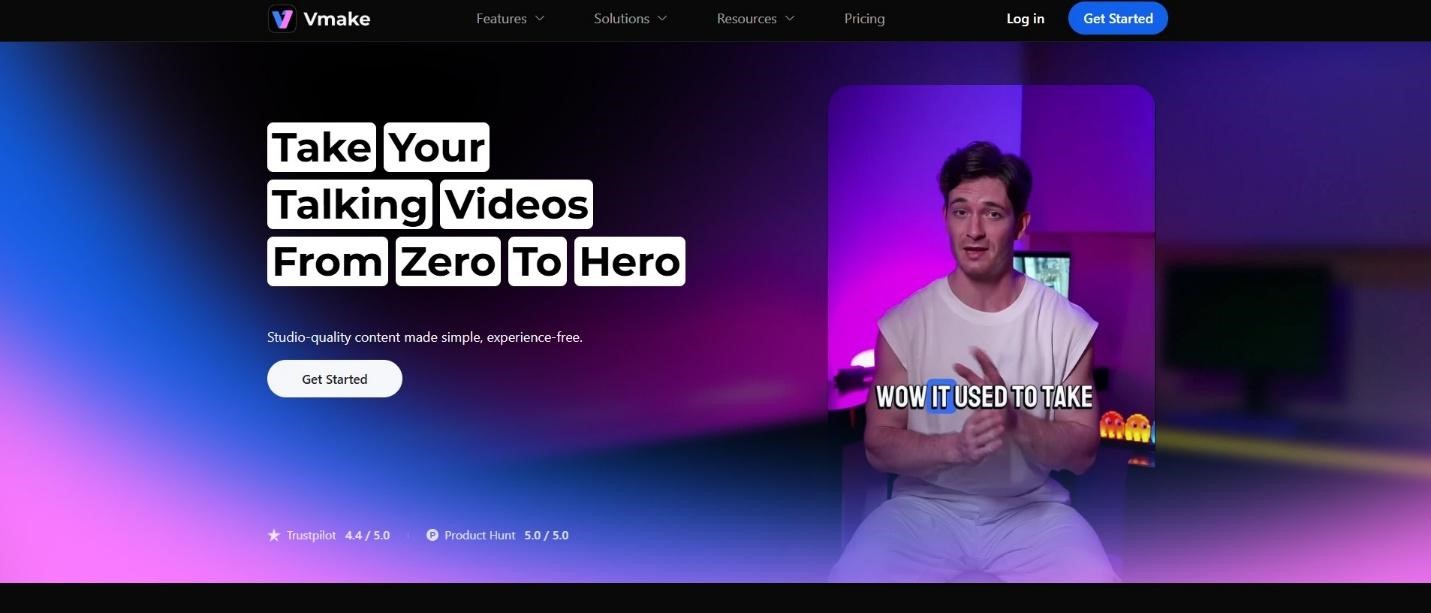
1. Vmake Watermark Remover
One of the best tools for watermark removal is Vmake Watermark Remover in our opinion. Vmake is quite easy to use and can help you generate the desired results within a span of a few minutes. All these qualities make Vmake one of the most perfect tools for creators, marketers, and any regular user alike. So, if you are someone who believes this tool might be worth using, we highly suggest that you give it a try today.
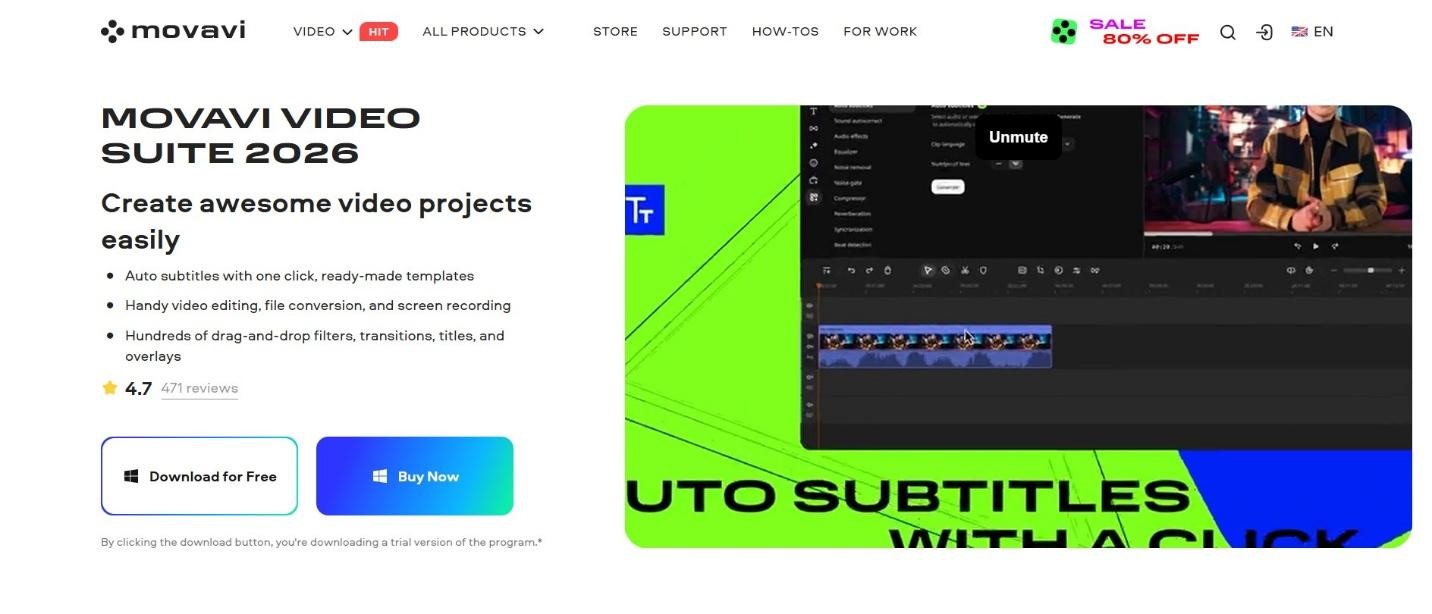
2. Movavi
While many assume Movavi to be a software to edit images and videos on low-end computers, the secret is that it is an excellent platform to remove or add watermarks on videos as well. Apart from this, users can also use the crop or color correction tools to fade the watermark or add objects to the published watermark.
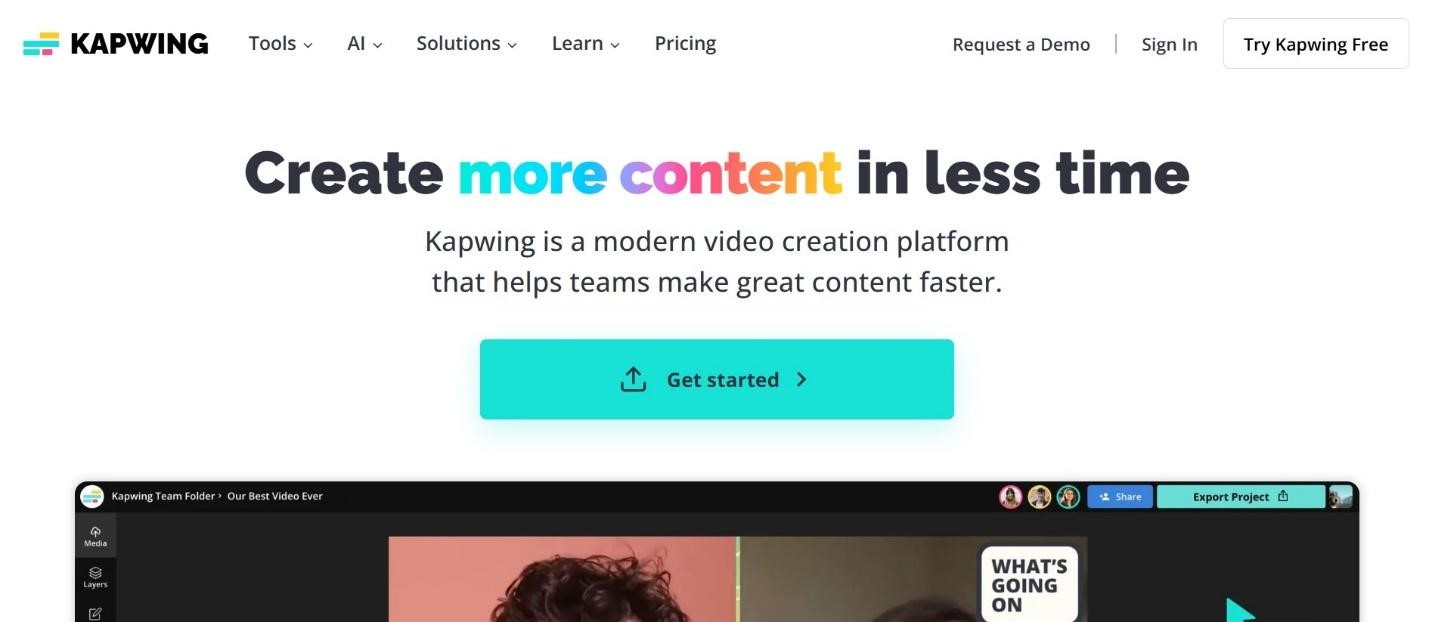
 3. Kapwing
If we’re talking about a dependable service for photo and video watermark removal, Kapwing has to be on the list. The service doesn’t require you to do any work; instead, it detects and removes unwanted watermarks automatically. Not only this, but it also ensures the original quality is maintained while making these edits. How cool is that!
Benefits of Nano Banana 2
Here are some of the best benefits you should know about:
● No Tech Genius Required
One of the best benefits is its ease of use. The service is effortless and can be operated by anyone, even if you are not tech-savvy. Nano Banana offers a simple interface that allows you to upload a video from your device, and then tap on the button to proceed with the editing. That is all. The steps are simple, fast, and do not require much technical knowledge, making it perfect for everyone.
● Saves Time Compared to Manual Editing
Hear us out! There are traditional video editors that require multiple layers, keyframing, mask adjustments, and endless fine-tuning before they can deliver the best results. However, the nano banana 2 saves you from all of this. Uers can easily clean and edit an entire video in literally minutes, saving themselves a lot of time.
● Preserves Video Quality and Resolution
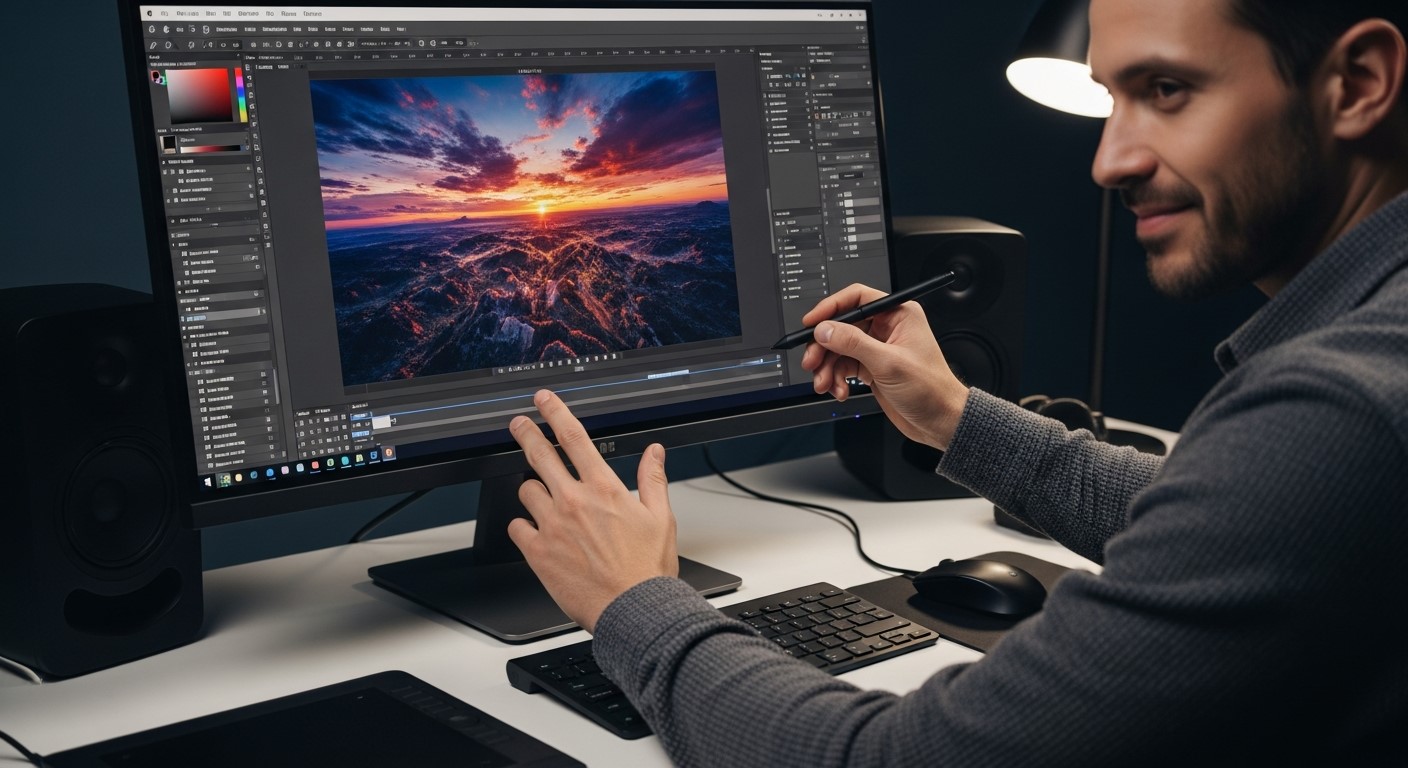
There are specific tools that, when used for editing, can ruin the quality of your video. However, Nano Banana 2 ensures that this doesn’t happen by upping its processing. The service ensures that the final result is just as clear as the original one, and you do not lose any points on quality. So, whether you are editing your videos for social media, presentations, or brand marketing, using Nano Banana 2 as your watermark removal tool is always a good idea.
● AI-Powered Precision for Clean and Natural Edits
The edited video will not look smudged in the area where the watermark was removed, as the AI aspect of the tool smartly rebuilds the video’s background when generating the final result, giving it a clean, smooth, and natural look.
Wrapping Up!
If you wanted to learn about the watermark remover for Nanao Banana 2 and how to use it, we hope this article was helpful. While Nano Banana 2 is an excellent service, we also recommend checking out Vmake Watermark Remover for high-quality, natural-looking results.