






















Hindi is the first language for over 40% of India’s population, so it’s no surprise users want TheLotter in Hindi too. This article explains whether you can use the mobile app TheLotter in Hindi, how to enable it, and how reliable the translations actually are.
Does TheLotter Offer Hindi?
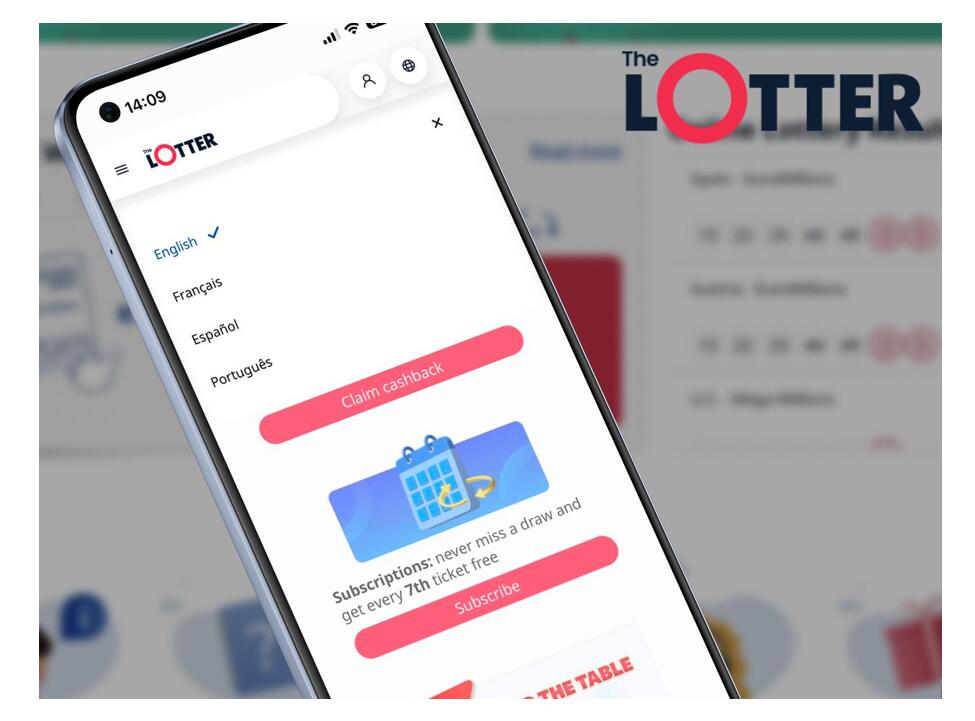
While TheLotter’s official website does not list Hindi as a supported language, some Android download mirrors like Softonic mention Hindi as an available UI option. Additionally, the app can mirror your phone’s system language, which may result in a partial Hindi interface on Android devices.
The web platform primarily supports major European languages like English, Spanish, French, and Russian. However, support staff are known to handle Hindi queries using real-time translation plugins, so you can still reach out in Hindi if needed.
How to Switch the App to Hindi
On Android:
- Change your phone’s default language to Hindi in the system settings.
- Reopen TheLotter app — some UI elements will switch to Hindi automatically.
On iOS:
- The iOS app uses the system language as well.
- Set iPhone language to Hindi and launch the app.
On the Web:
- Log in to your account.
- Go to Personal Details → Language Settings.
- Choose from the dropdown — Hindi may not appear for all regions yet.
Translation Quality: How Good Is the Hindi Interface?
User reviews show mixed but generally positive results:
- Core actions (buy tickets, account settings, notifications) are well-translated.
- Lottery-specific terms like “Syndicate” or “Bundle” often remain in English.
- Some alerts and buttons occasionally appear untranslated or use odd phrasing.
The app seems to rely on automated translation tools for parts of its UI, so inconsistencies are expected. However, essential workflows remain understandable for Hindi-speaking users.
Hindi vs English: Is There a Big Difference?
For basic navigation, the Hindi interface works well. But for transactions involving money, such as making deposits, checking winnings, or joining complex lotteries, some users prefer switching back to English.
Because:
- Translations can be too literal or ambiguous;
- Legal disclaimers and bonus terms are often clearer in English;
- Interface elements like “Terms & Conditions” or “Claim Winnings” are not always localized fully.
Tips to Use Hindi Safely on TheLotter
- Set your device language to Hindi to auto-activate the translation.
- Always double-check payment screens, even if UI is in Hindi.
- If unsure, switch to English temporarily for important steps.
- Contact support in Hindi — the chat team uses translation tools to assist.
- Expect updates — future app versions may expand native Hindi coverage.
Conclusion
TheLotter is working to reach more Indian users, and offering Hindi is part of that. While not perfect, the app gives Hindi-speaking players enough support to play comfortably. With a few smart checks, you can use it smoothly without switching languages at every step.